XERO1

Not in the store?
The door still opens.

Just send a Guest Link from the app. Your customer opens the door with it, walks in, and picks up their order.

See pricing
  • Door Opened

    now

    “Entrance” has been opened.

  • Guest Entry

    now

    A guest opened the door at “Cafe” at 19:00.

Use cases.

When Mini comes in handy.

For the moments the door needs to open while you’re away, Mini has it covered.

01

When you need to let someone in while you’re out
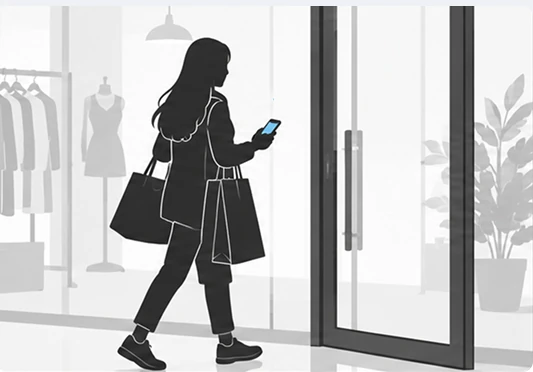
Illustration of a customer opening the store door with a smartphone from outside
02

When a late pickup keeps you from closing up

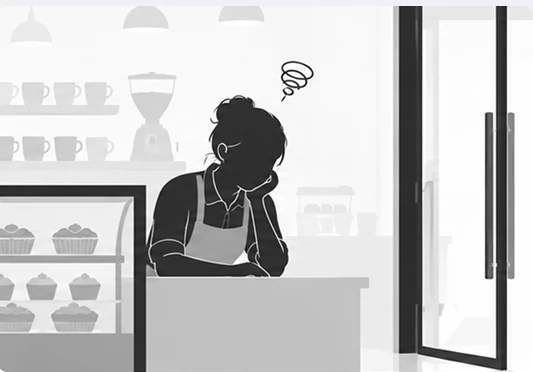
Illustration of an owner waiting for a pickup customer instead of leaving
03

When you want deliveries left inside

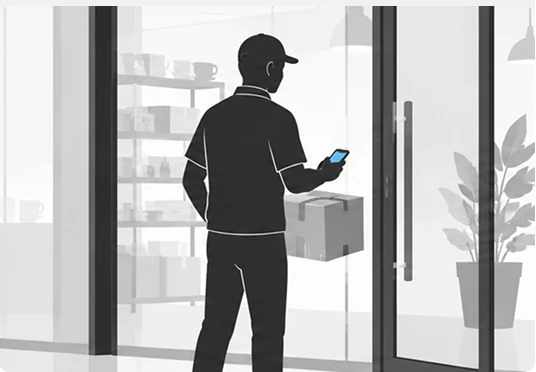
Illustration of a courier opening the store door with a smartphone

Remote control.

Anywhere, one tap in the app.

No keys or passcodes. Open and lock the door right from your phone, and check the lock status in the app.

  • ✓Open with your phone, no keys or passcodes
  • ✓Check the lock status in the app
  • ✓Open and lock remotely, even away from the store

Guest Link.

One link, unstaffed pickup.

Even with no one at the store, pickup customers don’t have to wait.

STEP 1

You send a Guest Link from the app

Send a Guest Link timed to the customer’s visit. You choose how long it stays valid.

STEP 2

The customer picks up with the Guest Link

The customer taps Open in the link, walks in, and takes their order. No need for you to be there.

Promotion.

You sent a link. It promoted your store.

The Guest Link you send to pickup customers also shows your store news and your KakaoTalk channel, Instagram, and website. See how often it was viewed and how many visits reached your channels, right in the app.
  • ✓Store promotion shown in every Guest Link
  • ✓Links to KakaoTalk channel, Instagram, and website
  • ✓Promotion results by channel

Notifications.

Door opened or closed? You’ll know right away.

Photo of a store entrance
  • Door Opened

    now

    “Entrance” has been opened.

  • Door Closed

    now

    “Entrance” has been closed.

  • Guest Entry

    now

    A guest opened the door at “Cafe” at 19:00.

Insights.

When is your store busiest?

Every door opening is counted automatically. See how your store runs at a glance with daily, weekday, and hourly charts.

  • ✓Entries counted automatically
  • ✓Daily, weekday, and hourly charts
  • ✓Your store’s rhythm at a glance

Features.

Everything, in one app.

Remote Control

Open and close the door from anywhere with the app
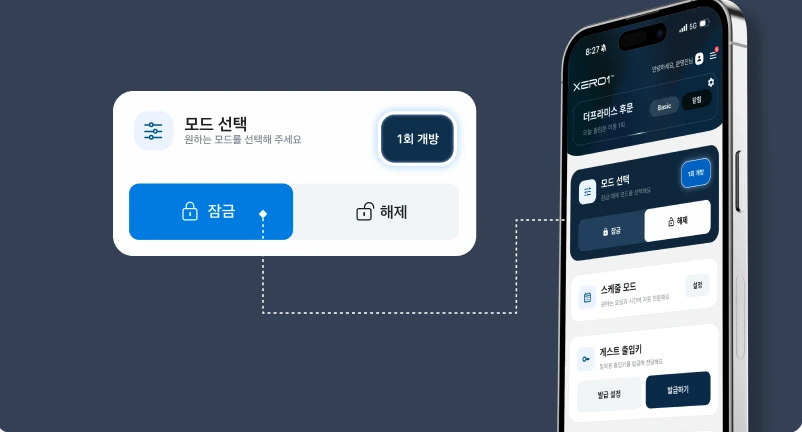
Remote control screen with lock and unlock buttons in the mode selector

Guest Link

Send customers door access with a simple link
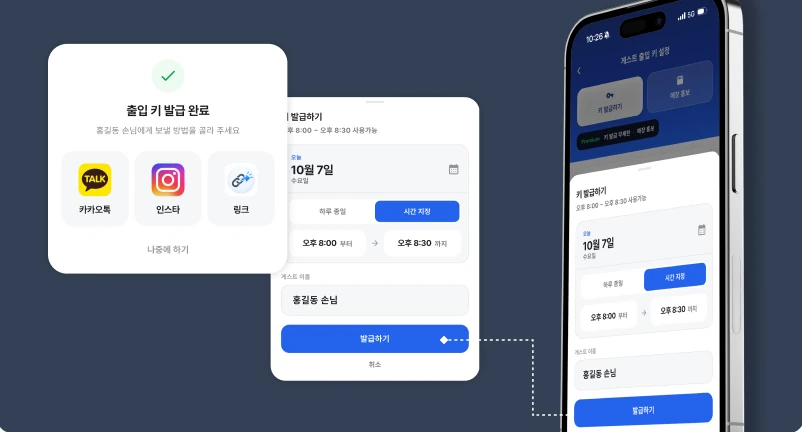
Issue screen for sending a Guest Link via KakaoTalk, Instagram, or link

Manager

Manage the door together with your staff
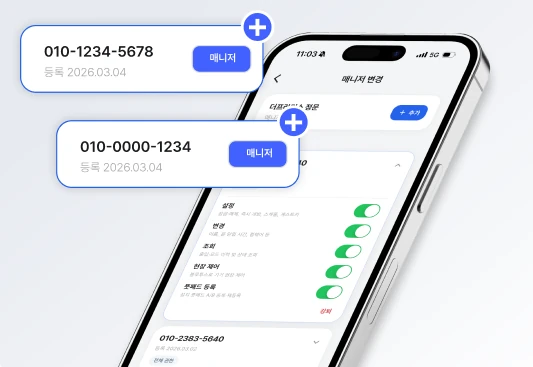
App screen registering a staff phone number as a manager

Schedule

Open and lock the door automatically at the times you set
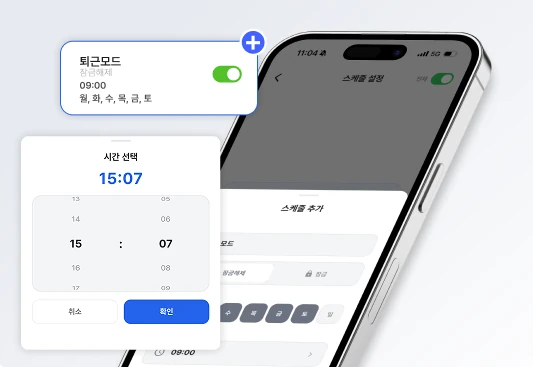
Schedule screen setting the closing-mode time

Promotion

Share store news, events, and social channels with your customers
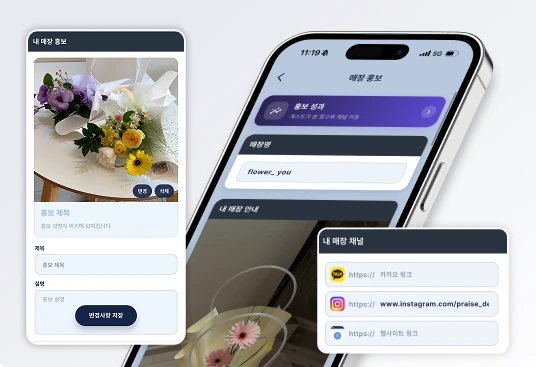
Store promotion link screen with store info and social channels

Anywhere.

Made for all kinds of spaces.

  • Flower shop
  • Convenience store
  • Cafe
  • Unstaffed store
  • Gym
  • Clinic
  • Cake shop
  • Golf range
XERO1

Get the app

XERO1 is available on iOS and Android.

Pricing.

XERO1 Mini

XERO1 Mini

Manage your door from your phone.

KRW 500,000

Device price · VAT excluded

Installation is quoted separately after a consultation, based on your site.

Buy the device
Pricing and payment policy ›